
Clover Release! 🚀 v3.17.0
The headline in 3.17 is Reporting V2 — a new, lightning fast and simple to use self-serve reporting experience with an ad-hoc report builder, a starter library of templates, saved and shared reports, and one-click export to CSV or Excel. This release also adds Task due dates and Yes/No custom fields — two long-requested capabilities that open up new workflow patterns — and brings seven more application areas onto Clover's current design system.
What's New
Reporting V2
Reporting has been rebuilt into a single, faster experience for answering questions about your tasks, suppliers, and users — no spreadsheets or pivot tables required.
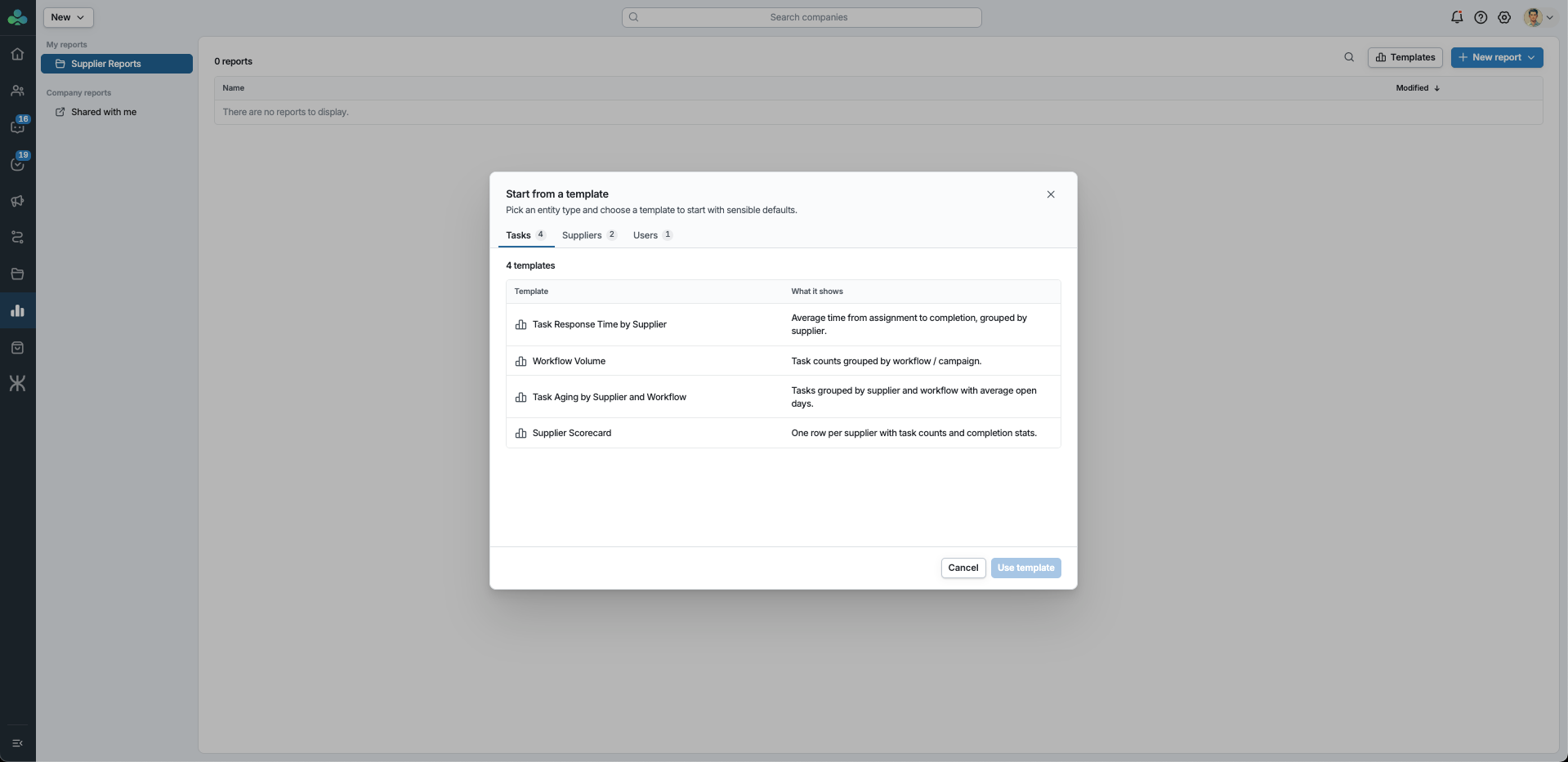
Start from a template. Reporting ships with a starter library of templates organized by dataset — Task Response Time by Supplier, Supplier Scorecard, Workflow Volume, Task Aging, and more. Pick one for sensible defaults, then adjust and save your own copy; the original templates stay untouched. Templates that use custom fields automatically pick up your company's current field configuration.
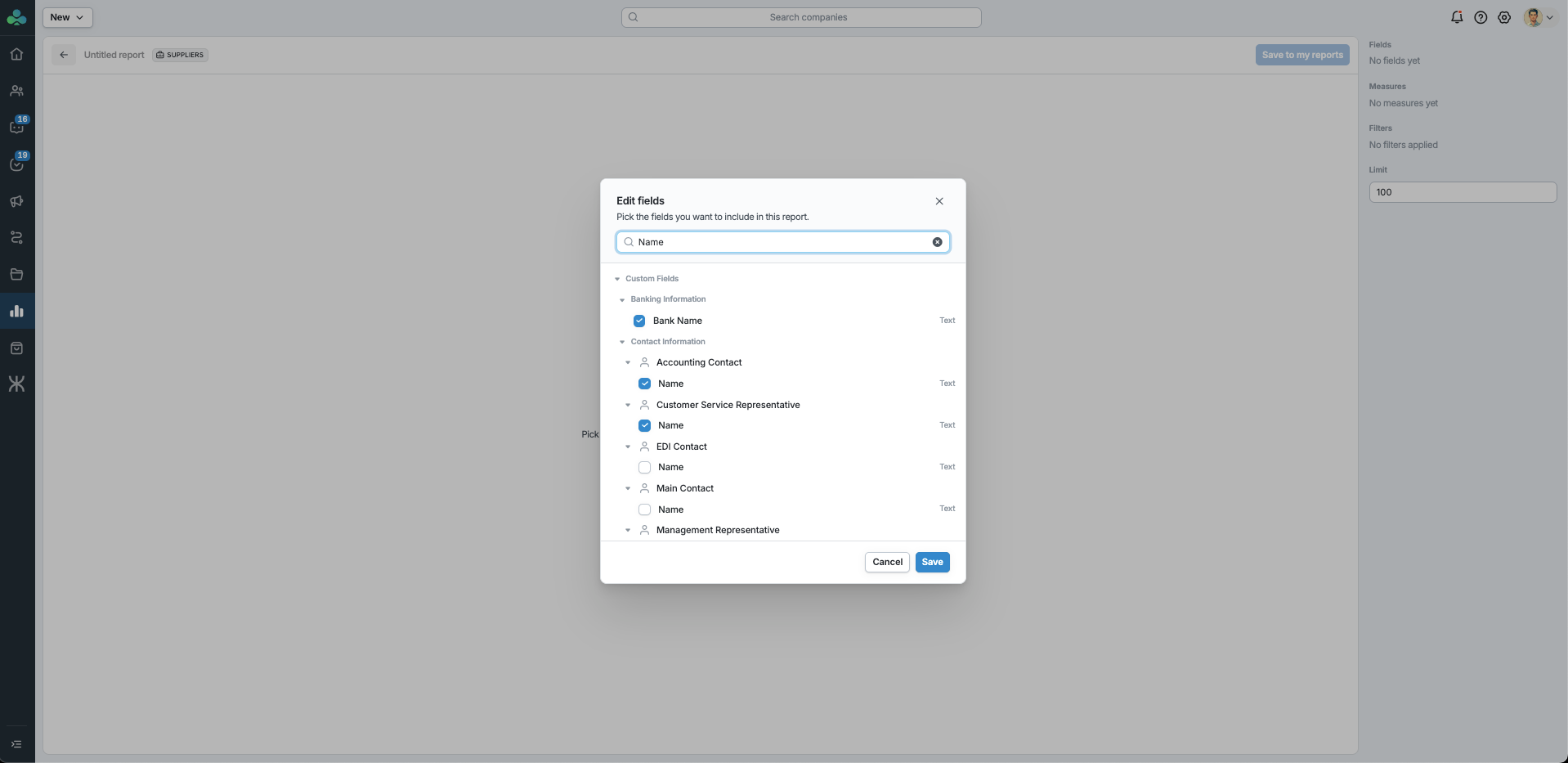
Build an ad-hoc report. Open Reports, choose a dataset (Tasks, Suppliers, or Users), and start building. The field picker shows all standard fields plus your company's own custom fields, using your labels and groupings. Pick the columns to group by, add measures (like averages or counts), layer in filters, and the results update automatically as you go.
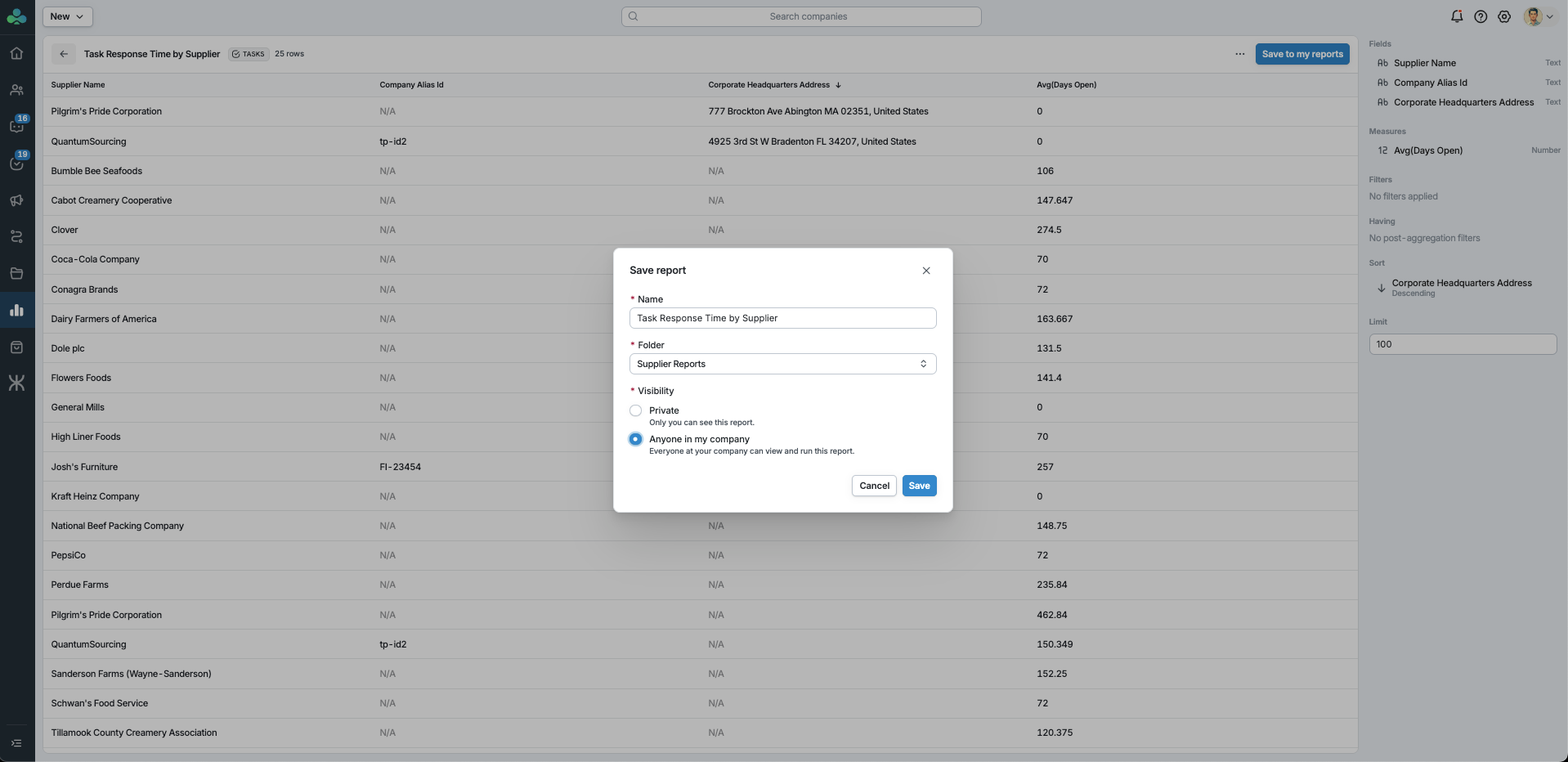
Save and share. Save reports into your own folders under My reports, or share them with everyone at your company under Company reports. Reports can be renamed, duplicated, and re-shared at any time.
Export anything. Any result — ad-hoc, saved, or template — exports to CSV or Excel as a single file.
Your reporting data is always scoped to your own company.
Task Due Dates
You can now set a due date on any task. The due date is visible to both the buyer and the assigned supplier right on the task, so everyone knows the deadline.
Set due dates manually when you assign work, or have them applied automatically:
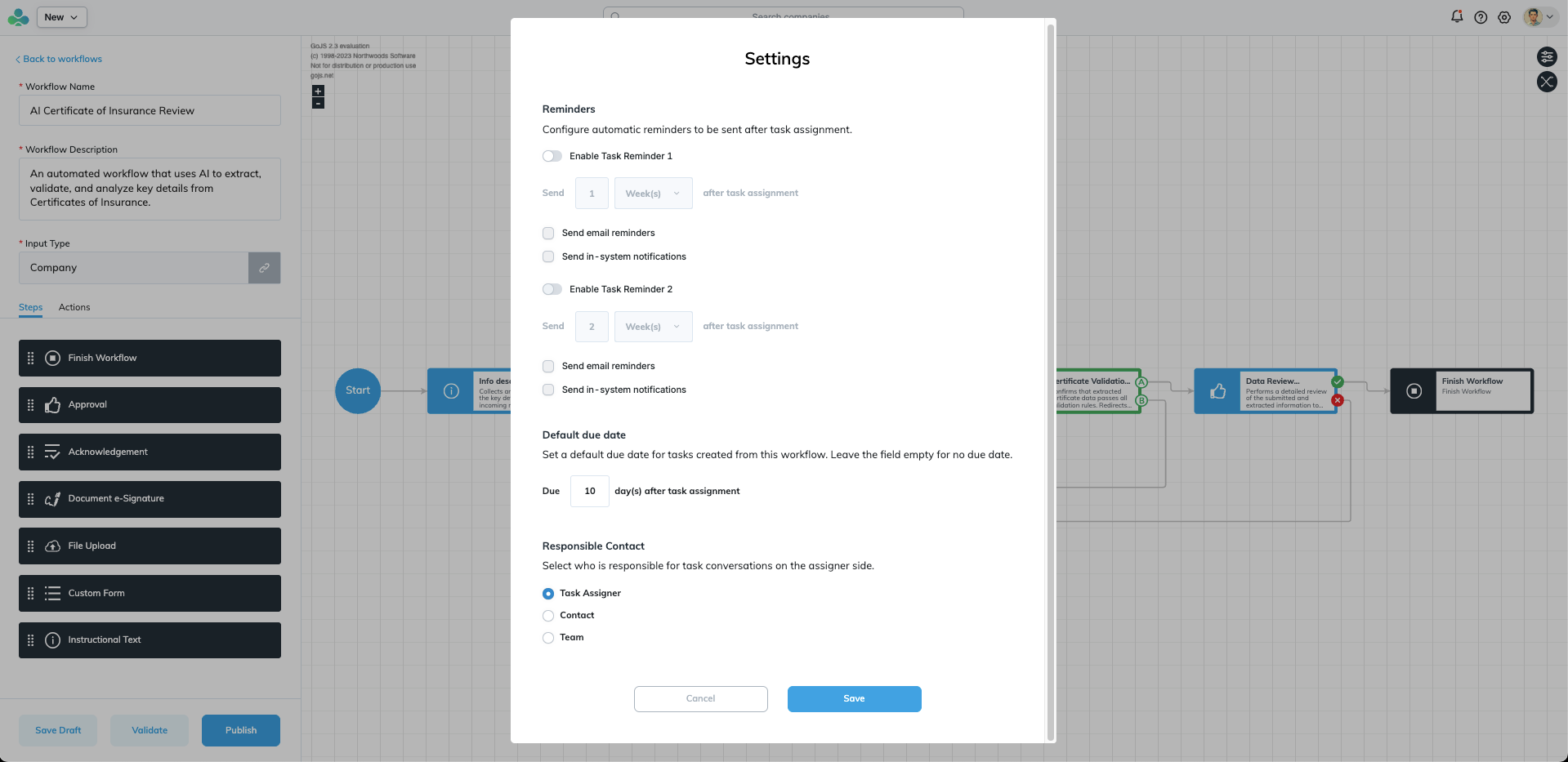
- Workflow defaults — configure "N days from assignment" in a workflow's settings, and every task created from that workflow gets a due date at creation.
- Campaign defaults — set a single due date on a campaign, and every task in that campaign uses it.
Due dates also flow into Reporting V2 on the Tasks dataset — filter for overdue tasks, group by due date, and build the aging reports you need.
Yes/No Custom Fields
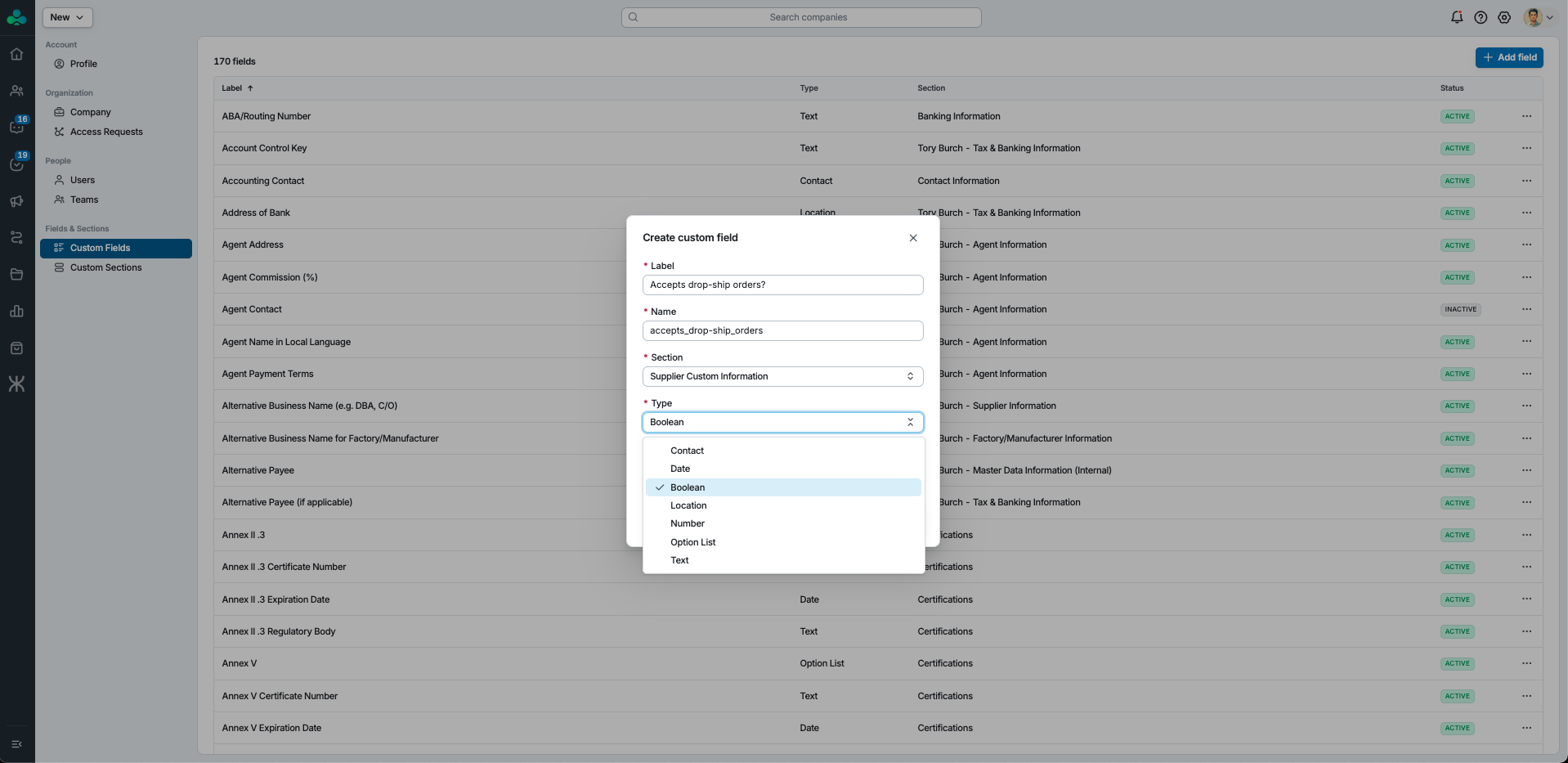
Custom fields now support a Yes/No (Boolean) value type, alongside the existing text, number, and date types. Yes/No fields display wherever custom fields appear and are saved, loaded, and available through the API just like any other field. This is a new option, not a change to existing fields — anything you've already set up keeps working exactly as before.
A Fresh Look Across the App
Seven more screen areas have moved onto Clover's current design system: Campaigns, Files, Profile, Settings, Auth/Login, Signup, and Connection invitations. These are visual refreshes — the screens look cleaner and more consistent with the rest of the product, and behavior is unchanged.
Questions or feedback? Reach out to your Clover contact or email help@clovercollab.com.